
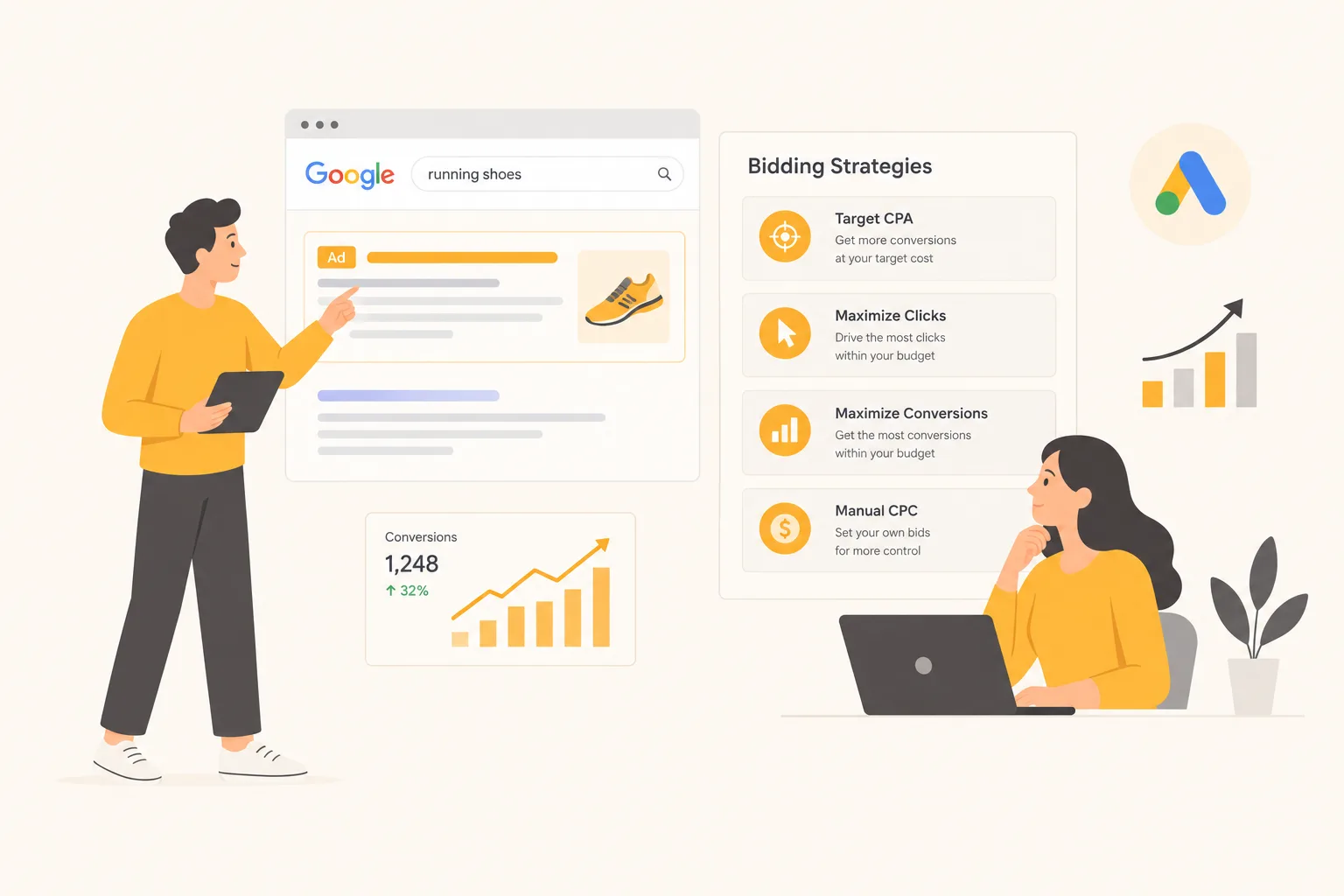
Your choice of Google Ads bidding strategy is one of the most consequential decisions in any campaign setup – and also one of the most misunderstood. Google’s default recommendations often push advertisers toward automated bidding before their accounts are ready for it, leading to wasted spend and disappointing results.
The Two Categories: Manual vs Smart Bidding
All Google Ads bidding strategies fall into one of two camps: manual bidding, where you set the maximum you’re willing to pay per click, and smart bidding, where Google’s machine learning adjusts bids in real time based on signals like device, location, time of day, and user behaviour.
The case for manual bidding: full control, no reliance on conversion data. The case for smart bidding: it adjusts every auction using signals no human can track. The catch? Smart bidding learns from your conversion data, so it works best once your tracking is reliable and conversions arrive steadily. Our guide to Google Ads Smart Bidding covers its pros and cons in more detail.
Manual and Click-Based Bidding
Manual CPC
Manual CPC (cost-per-click) lets you set a maximum bid for each keyword. Google retired the Enhanced CPC option for Search and Display campaigns in 2025, so manual bids now stay where you set them.
Best for: New accounts with little to no conversion history, or experienced advertisers who want granular keyword-level control.
Watch out for: Manual CPC needs regular bid changes and ignores the real-time signals that smart bidding uses.
Maximize Clicks
Google spends your budget to get the most clicks possible within your daily limit. You can optionally set a maximum CPC cap.
Best for: Awareness campaigns or new sites where you’re simply trying to drive traffic. Can also help gather initial data before switching to conversion-focused bidding.
Watch out for: Clicks and conversions are not the same thing. Always set a maximum CPC cap and review your search terms regularly.
Conversion-Based Smart Bidding
Target CPA (Cost Per Acquisition)
You set a target cost per conversion, and Google’s algorithm adjusts bids to hit that target across all auctions. For example, if you want to pay no more than £40 per lead, set a £40 Target CPA and Google tries to get you leads at or near that price.
Google’s page About Target CPA bidding recommends starting from your average CPA over the last 30 days and judging results over a 30-day window that includes at least 30 conversions.
Best for: Lead generation campaigns with consistent conversion values and enough historical data. Works well for service businesses where every lead is roughly equivalent.
Watch out for: Set your Target CPA based on what your account has historically achieved, not what you wish it were. A target far below your historical average can sharply reduce impression share as Google becomes overly selective about which auctions to enter.
Target ROAS
Target ROAS (return on ad spend) tells Google to adjust bids to hit a specific revenue-to-spend ratio. Set it at 500% and Google aims to return £5 for every £1 spent. From June 2026 Google is relabelling “Maximize conversion value with a Target ROAS” as “Target ROAS”, so you may see either name.
Best for: E-commerce accounts with variable conversion values (different products at different price points) and a steady flow of conversions with accurate values.
Watch out for: Target ROAS needs reliable value data. With too little, the algorithm turns conservative and limits your reach. Start close to your recent ROAS and adjust in small steps. Our guide to what a good ROAS looks like helps you set a realistic target.
Maximize Conversions
Google spends your full daily budget to get as many conversions as possible, with no constraint on cost per conversion. You can optionally add a Target CPA limit.
Best for: Campaigns with limited budgets where you want the algorithm to find conversions without constraining it. Also a good starting point before moving to Target CPA once data is established.
Watch out for: Without a Target CPA constraint, Maximize Conversions can chase high volumes of cheap micro-conversions (newsletter signups, PDF downloads) at the expense of high-value conversions. Make sure your conversion actions are correctly prioritised.
Maximize Conversion Value
Similar to Maximize Conversions, but optimises for total revenue rather than conversion volume. Requires conversion values to be passed into Google Ads (either static values or dynamic values from your checkout).
Best for: E-commerce campaigns where products have different prices and you want Google to prioritise higher-value sales.
Visibility Bidding
Target Impression Share
Google adjusts bids to hit a target impression share – the percentage of eligible impressions where your ad appears. You can target the top of page, absolute top, or anywhere on the page.
Best for: Brand campaigns where you want to dominate for your own brand name, or competitive categories where maintaining visibility is the primary goal.
Watch out for: Impression share is a visibility metric, not a profitability one. This strategy can push CPCs well above what’s economically sensible if set too aggressively.
How to Choose the Right Bidding Strategy
The simplest decision framework for Google Ads bidding strategies:
- New account, no conversion data: Start with Manual CPC or Maximize Clicks with a CPC cap. Gather data first.
- Lead generation with steady conversions: Move to Maximize Conversions, then add a Target CPA once results are stable.
- E-commerce with reliable conversion values: Test Target ROAS. Start close to your historical ROAS and adjust gradually.
- Brand keyword campaigns: Manual CPC or Target Impression Share.
- Budget is limited but variable: Maximize Conversions without a target, so Google can use every pound of budget.
The Common Mistake: Switching Too Often
Smart bidding needs time to adjust after a new strategy or a big change, and performance can swing while it does. The biggest mistake advertisers make is switching strategies every week when results dip. Give each strategy a few weeks of stable conditions before drawing conclusions, and avoid major changes to budget, creative or landing pages in that time. To see how bids play out in each auction, read how the Google Ads auction works.
Frequently Asked Questions
Can I use Target CPA on a brand new account?
Yes. Google says advertisers can start Target CPA with no conversion history, using a target based on business goals. Many advertisers still gather some data first so the target reflects real results.
How long should I wait before judging a new bid strategy?
Google suggests judging Target CPA over the last 30 days with at least 30 conversions. A similar window for other smart bidding strategies stops one slow week from driving the decision.
Final Thoughts
The best Google Ads bidding strategy is the one matched to your data volume and campaign objectives. Start with what your account can support, move to smart bidding when you have sufficient conversion data, and always set targets based on historical performance rather than wishful thinking.
Want expert help with your account? See our Google Ads management service.